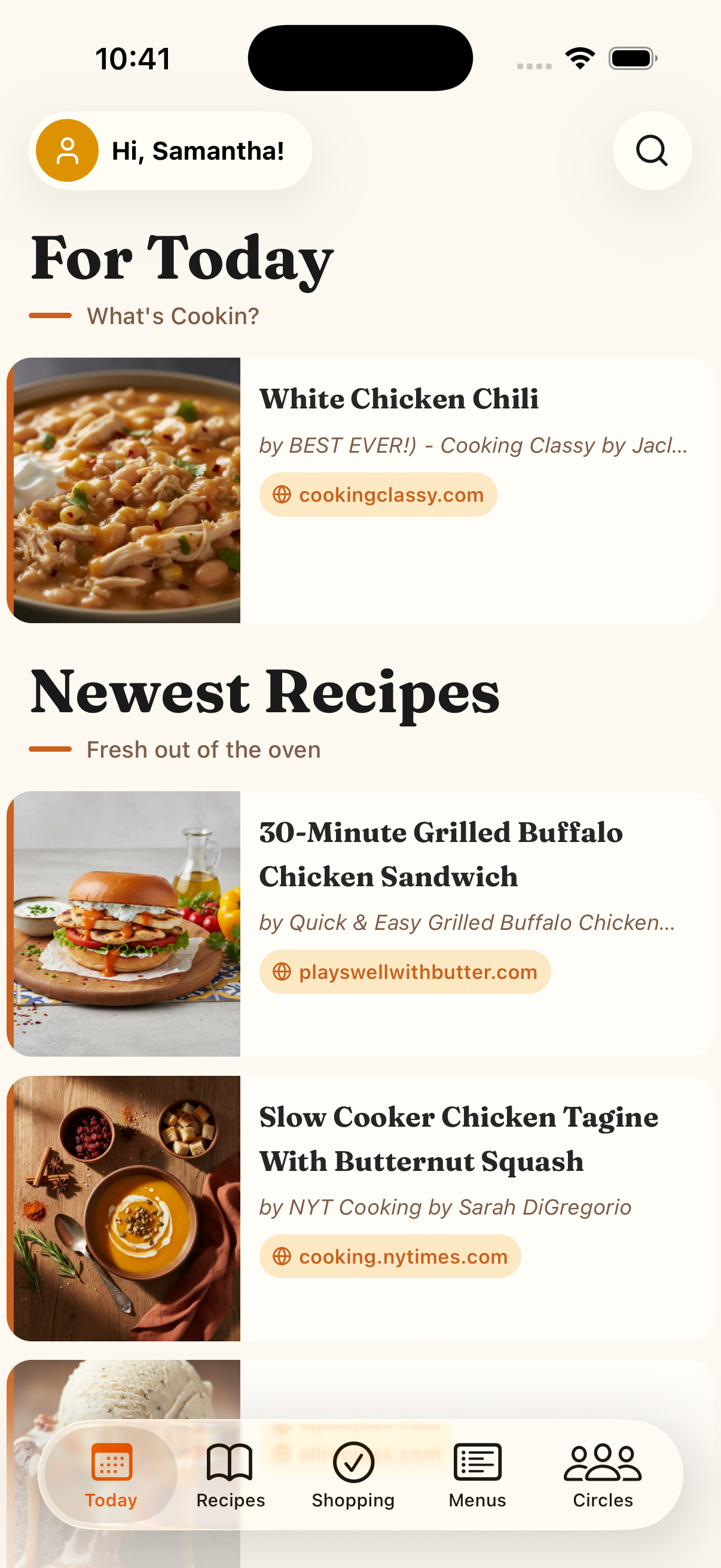
Never make a grocery list again.
Easily save and organize all your favorite recipes in one place. Create meal plans and organize your weekly menu with ease. Automatically create shopping lists based on your meal plans. Create circles to share your recipes, meal plans, and shopping lists.

Browse an extensive recipe library
Discover a wide range of recipes from various cuisines, all in one place.
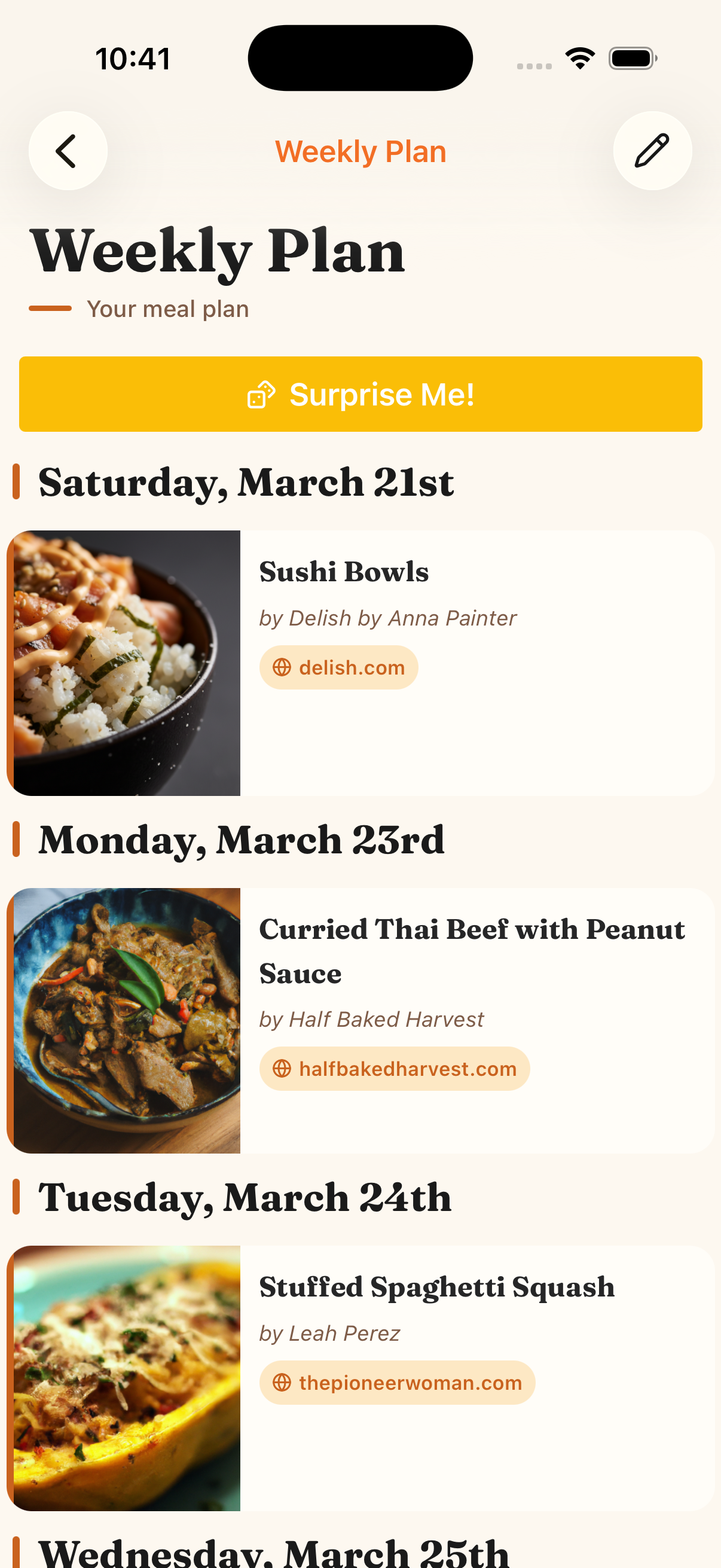
Build weekly meal plans
Plan your meals for the week with ease, ensuring you have everything you need.
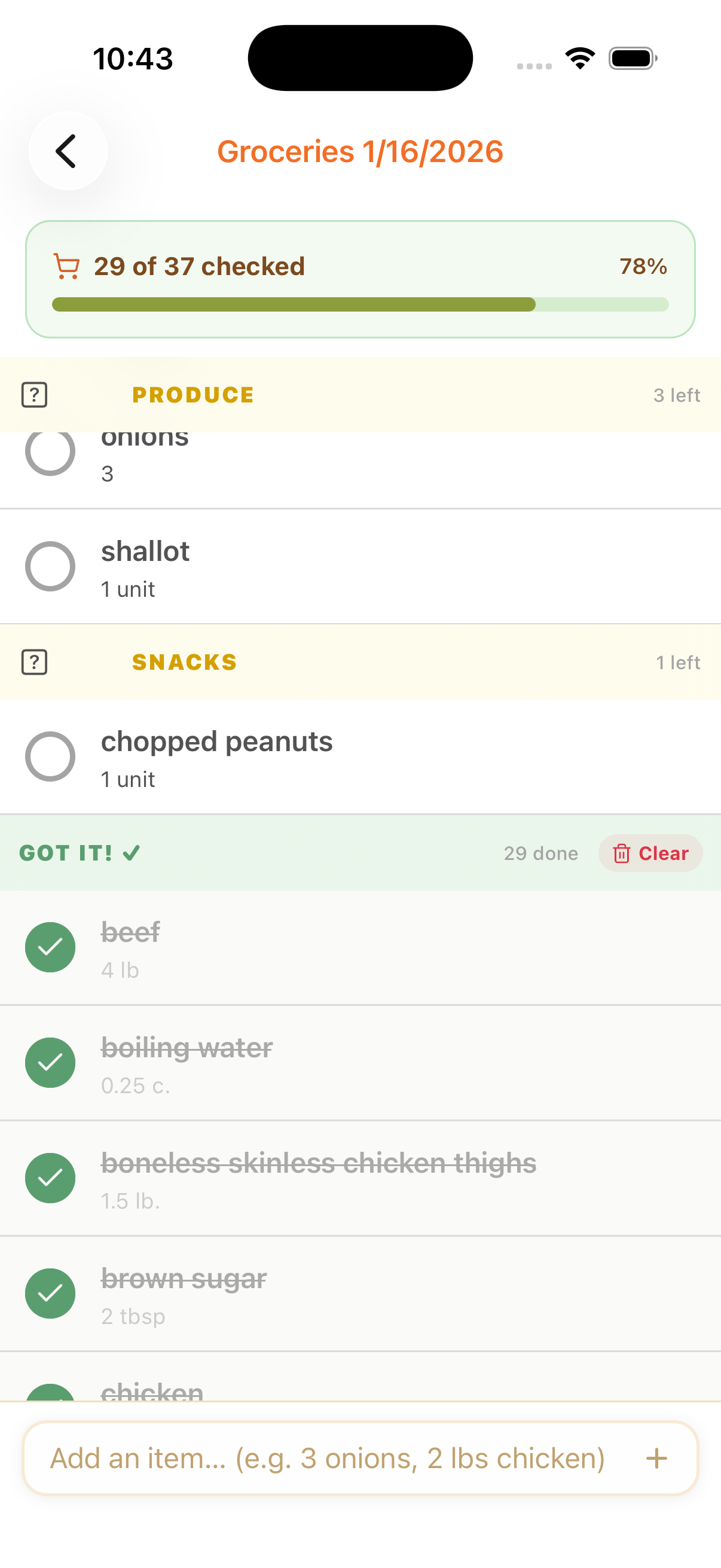
Unlock the Shopping Assistant
Let our AI-powered Shopping Assistant create your grocery list based on your meal plans, saving you time and effort.
Everything in one place, finally.
Save recipes from anywhere, plan your week, share with your household, and never forget an ingredient again. Menu Pal is the connective tissue your kitchen has been missing.
Save recipes from anywhere
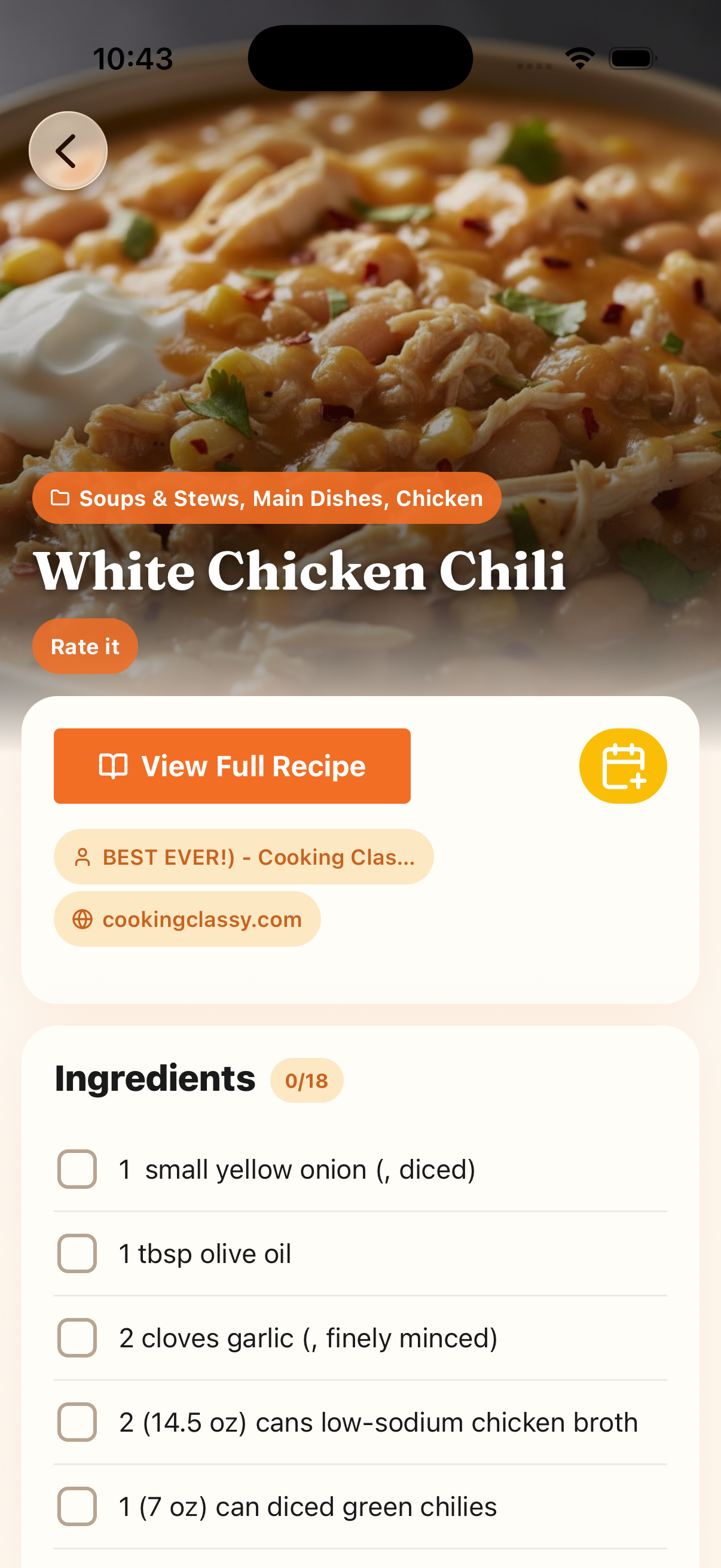
Import from any website with a tap, scan a handwritten recipe card, or enter your own. Everything lives in one searchable place.
Browse a growing library
Discover new dishes from a curated, ever-expanding collection. Filter by cuisine, dietary need, or cook time.
Plan your week in minutes
Drag recipes onto your weekly calendar, adjust servings, and see your whole week at a glance. Meal planning has never felt this light.
Auto-generate your grocery list
Pro users get the AI Shopping Assistant — it reads your meal plan, combines all ingredients, removes duplicates, and sorts by store section.
Cook together with Circles
Create a Circle with your partner, family, or roommates. Everyone can view plans, add to lists, and check off items in real time — no more "did you get the milk?" texts.
Make it your own
Add photos, swap ingredients, tweak portions, and tag recipes your way. Your cookbook, your rules.
Everyone loves Menu Pal
From Sunday meal preppers to busy families — here's what people are saying after their first week with Menu Pal.
Simple pricing. Start free, upgrade when you're ready.
Menu Pal is free to use. Upgrade to Pro for the AI Shopping Assistant and save hours every week. Annual plan saves you 37%.
Starter
$0
Everything you need to get cooking — completely free.
- Access to the full recipe library
- Build and save weekly meal plans
- Create grocery lists manually
- Share recipes, plans & lists via Circles
ProMost popular
$5.99/mo
Let the AI Shopping Assistant do the work. Plan your week, and your grocery list writes itself — organized by aisle.
- 7-day free trial, no credit card required
- Everything in Starter
- AI Shopping Assistant — auto-generates your grocery list
- Ingredients combined & organized by store section
- One-tap list regeneration when plans change
Frequently asked questions
If you have anything else you want to ask, reach out to us.
What is Menu Pal?
Menu Pal is your ultimate recipe manager and meal planning assistant. It helps you save recipes, plan meals, generate shopping lists, and share with family and friends - all in one convenient app.
How do I save recipes in Menu Pal?
You can easily save recipes by importing them directly from websites or manually entering your favorites. All recipes are organized and searchable.
Can I customize my saved recipes?
Yes! You can add your own photos and ingredient modifications to any recipe. You can also categorize recipes, add tags, and adjust to fit your needs.
How does meal planning work?
Menu Pal makes meal planning simple. You can create weekly meal plans by selecting recipes from your collection. The app helps you organize meals for each day of the week.
What are Circles in Menu Pal?
Circles are groups you create to share recipes, meal plans, and shopping lists with family members or friends. Everyone in a Circle can collaborate on meal planning and shopping.
How are shopping lists generated?
Menu Pal Pro users have access to the Shopping Assistant that automatically generates lists from your meal plans. The app combines ingredients, organizes them by category, and lets you check off items as you shop.
Is Menu Pal available offline?
While you can view your saved recipes offline, an internet connection is needed for features like recipe importing, sharing, and syncing across devices.
Can multiple people use the same account?
No, each person must have their own account, then use our Circles feature to share and collaborate. This keeps everyone's personal preferences and settings separate while still enabling sharing.
What makes Menu Pal different?
Menu Pal uniquely combines recipe management, meal planning, and shopping lists in one seamless experience. Our Circles feature makes it easy to coordinate cooking and shopping with family members.